
Product details

Floor Master Type 130 Functions — Operator Guide

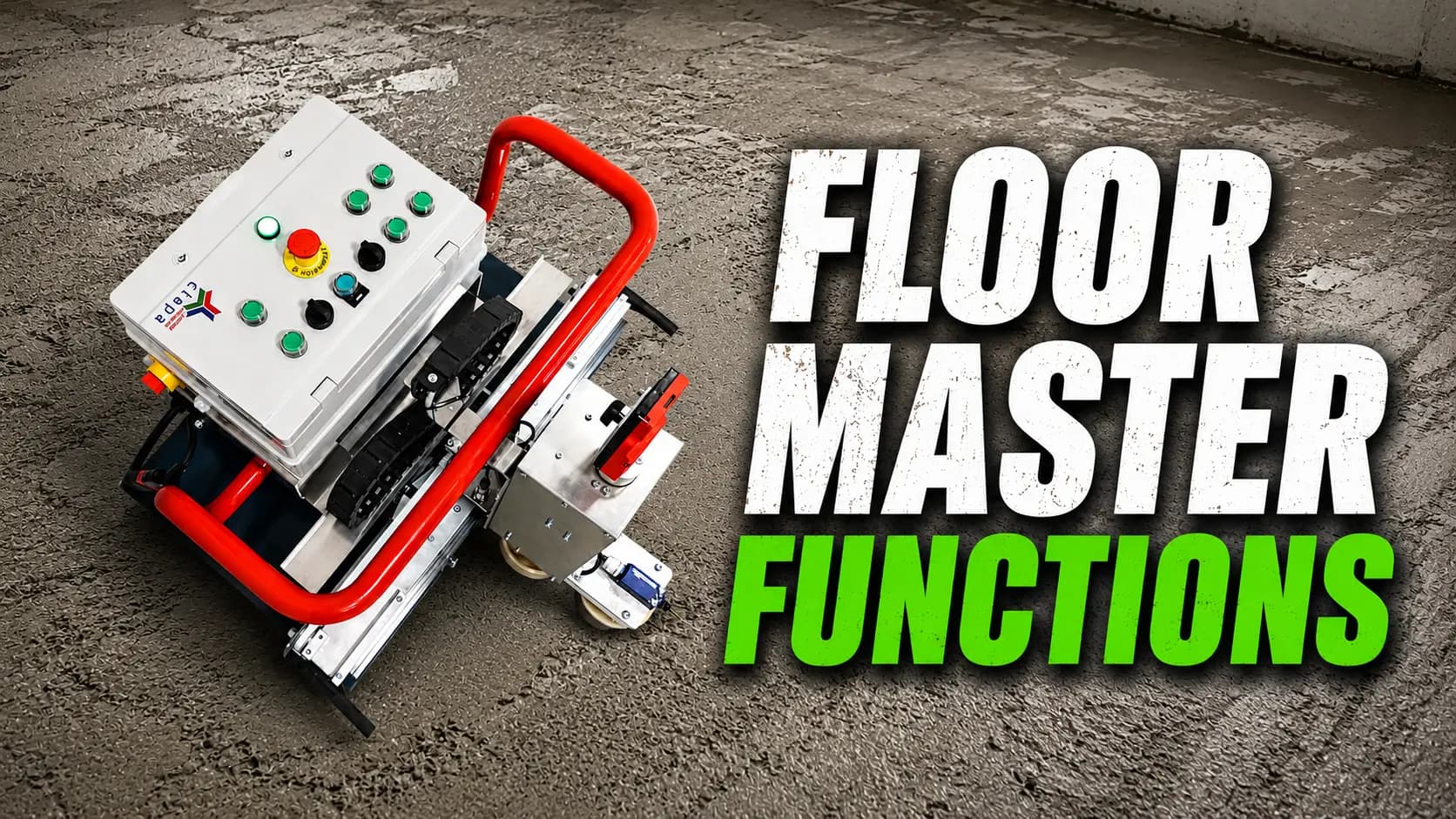
A tour of all nine operator functions of the Floor Master Type 130 — what each one does, why it matters on site, and how they fit together during a pour.
June 13, 20264 min read
Floor Master Type 130 Functions — Operator Guide
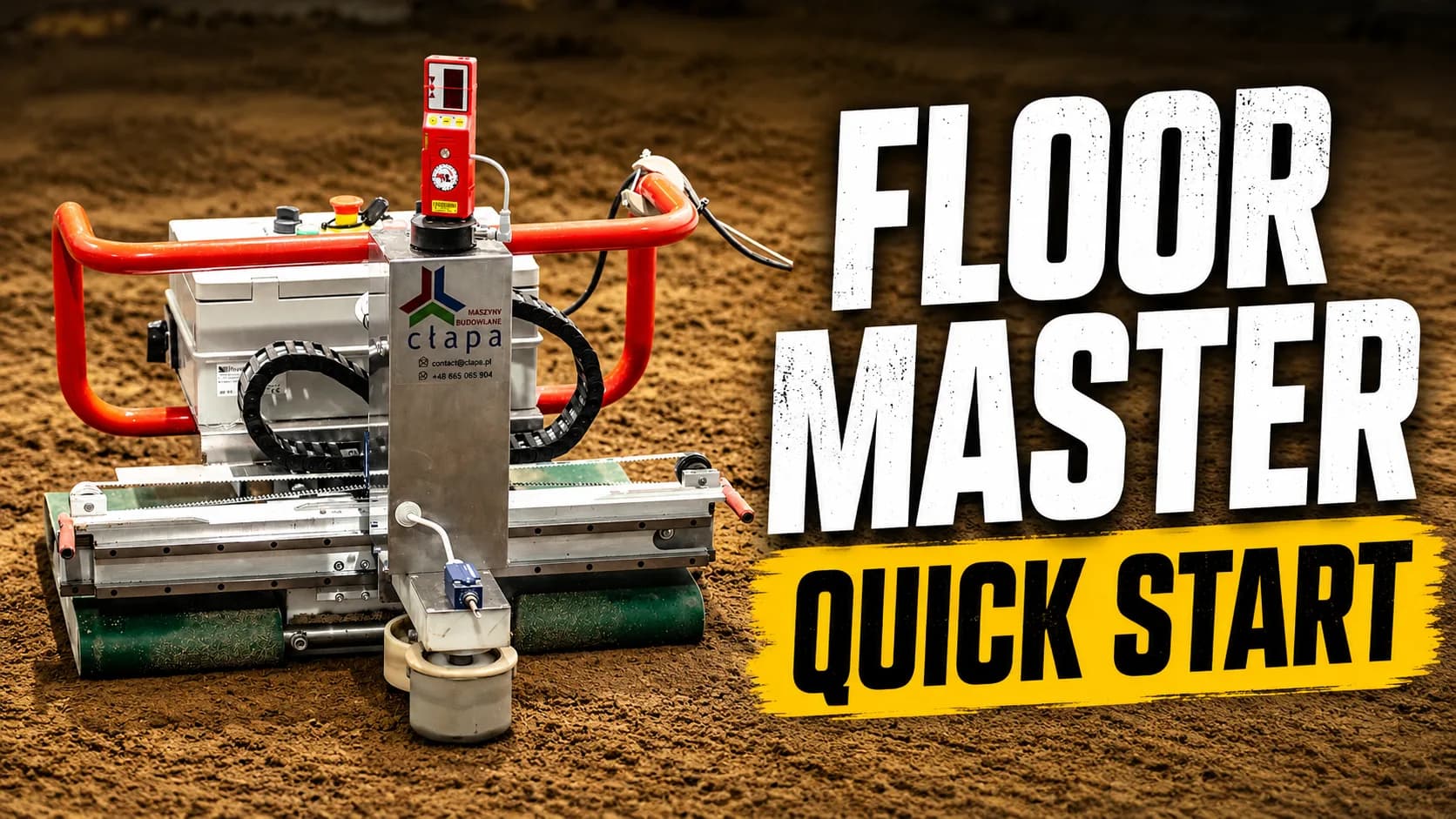
Floor Master Type 130 in operation during a continuous pour — automatic laser levelling maintains ±1 mm accuracy across the slab.Photo: Filip Jany

The Floor Master Type 130 is a laser-guided screeding robot. Most of a clean pour comes down to using its operator functions in the right order — here is what each of the nine does and how they work together on site.

This guide covers all nine operator functions — from manual movement and head height to obstacle detection, wall limiters, and the laser receiver.
80 m²/h
Sustained screeding throughput on an open slab.
±1 mm / 20 m
Laser-held level across the working area.
80 / 130 cm
Two head widths for tight or open floors.
~6–7 h battery
Continuous run time on a single charge, depending on load and conditions.

Before you start

Confirm the subbase is clean, the laser is mounted clear of site traffic, and the receiver is calibrated. The functions below assume the machine is powered and the head is seated on the mortar.

01

Manual Forward / Backward Movement

What it does
Gives direct control of machine movement using the forward and backward buttons on the control panel.
Why it matters
Useful for positioning the robot before work begins, moving between work zones, and safe access for maintenance tasks.
Operator tip
Use manual movement to position the machine precisely before starting. Confirm the working area is clear before driving forward.
02

Head Lifting and Lowering

What it does
Raises or lowers the working head and trowelling plates relative to the floor surface — essential for correct machine setup.
Why it matters
Critical for initial setup, safe transit between areas, and height adjustment during work.
Warning
To minimize the risk of damage, always lift the working head before moving the machine between work areas and when transporting it to site.
03

Narrow / Wide Mode Switch

What it does
Switches the machine's working footprint between narrow (80 cm) and wide (130 cm).
Why it matters
Narrow mode makes it easy to pass through doorways, tight passages, and work in smaller rooms. Wide mode covers large, open areas faster.
Warning
In practice, wide mode is used for most of the work — narrow mode is mainly for transit and working in confined spaces.
04

Forward / Reverse Gear Switch

What it does
Engages the drive system for forward or reverse motion during active screeding.
Why it matters
The gear must be engaged for the machine to start working. It's a deliberate safeguard against accidental startup.
Operator tip
If the gear is engaged but the machine won't move forward and the laser receiver is rotating, make sure the laser is correctly set up and the beam is reaching the receiver.
05

Whole-Machine Lift

What it does
Raises and lowers the entire machine platform — distinct from head height.
Why it matters
Lifting the machine makes maneuvering during work much easier. Once the Floor Master is raised, you can steer it in any direction without force and without risking damage to the finished floor.
Warning
Head controls move only the trowelling surface; this lifts the whole platform — the machine must be lowered for calibration.
06

Start and Pause Button

What it does
The primary control for beginning and pausing screeding operations.
Why it matters
Press and hold to start the pour. Press again to pause the machine exactly where the head currently sits.
Operator tip
It works like a momentary pause — the head holds its position, so when you resume, the machine continues exactly from where it stopped.
07

Front Obstacle Sensor

What it does
A limit sensor mounted at the front that detects obstacles in the machine's path.
Why it matters
On contact, the machine instantly stops forward motion, resets the head to its starting position, backs up a few centimetres, and lifts the platform to make changing direction easier.
Operator tip
It also works as an extra stop — touching the sensor halts forward movement, resets the head position, and lifts the machine.
08

Wall Limiters

What it does
Rubber limiters that stop the beam from hitting an adjacent wall too hard.
Why it matters
The limiters protect walls from damage when the machine works along the perimeter. On contact, they help the machine gently bounce back in the opposite direction.
Operator tip
You can wrap the limiter in adhesive tape to extend its service life.
Warning
Don't move the machine by pulling on the limiters. This can damage them, lead to a repair, and risk damaging the walls during future work.
09

Laser Receiver

What it does
Our laser receiver with built-in filters.
Why it matters
Standard laser receivers we used before had one key issue — they picked up too much interference from the surrounding environment. We improved the reading quality by using an advanced filter system.
Operator tip
If during work you notice the receiver suddenly shifts angle and appears to react to a signal other than the laser beam, scan the area. The cause is usually a reflection from a nearby reflective surface — a window, metal pipe, or shiny fitting. Keep some tape handy to temporarily cover any surface that's throwing off the signal.

Accessory — distribution rakes

We ship distribution rakes with every machine. They spread and pre-level the mix in front of the machine, improving plate engagement and reducing rework on variable pours. If the mix is too wet and the drive belts start leaving visible tracks, use the rakes to pull and tamp material in front of the belts to fill and stabilize the surface before proceeding.
Ready to improve your floors?

Want to improve floor quality on your next project?

Talk to Cłapa about Floor Master Type 130 and find out which version fits your job sites.

Request Offer
Related articles
All articles